Issue
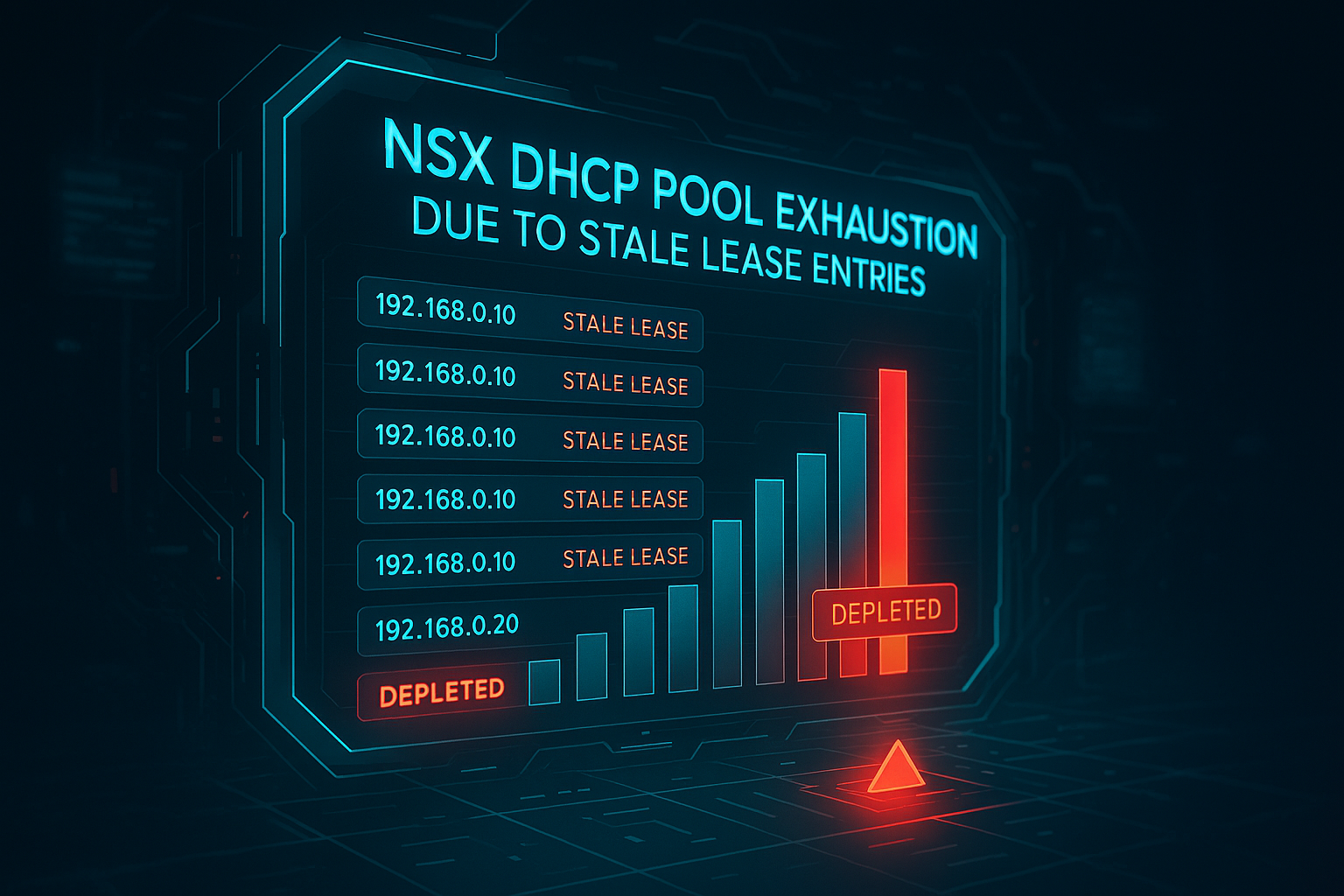
VMs unable to get IP address from the DHCP server defined on NSX Segment.
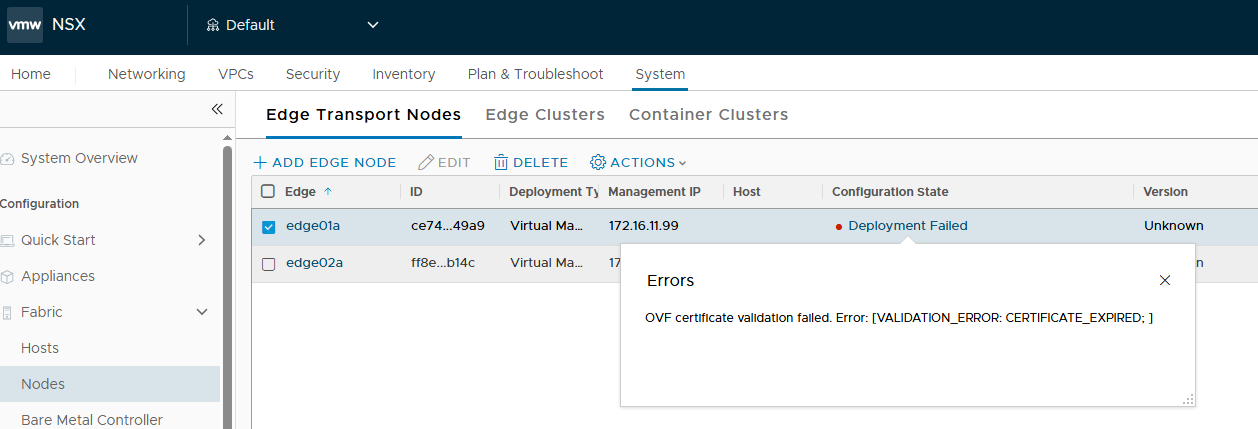
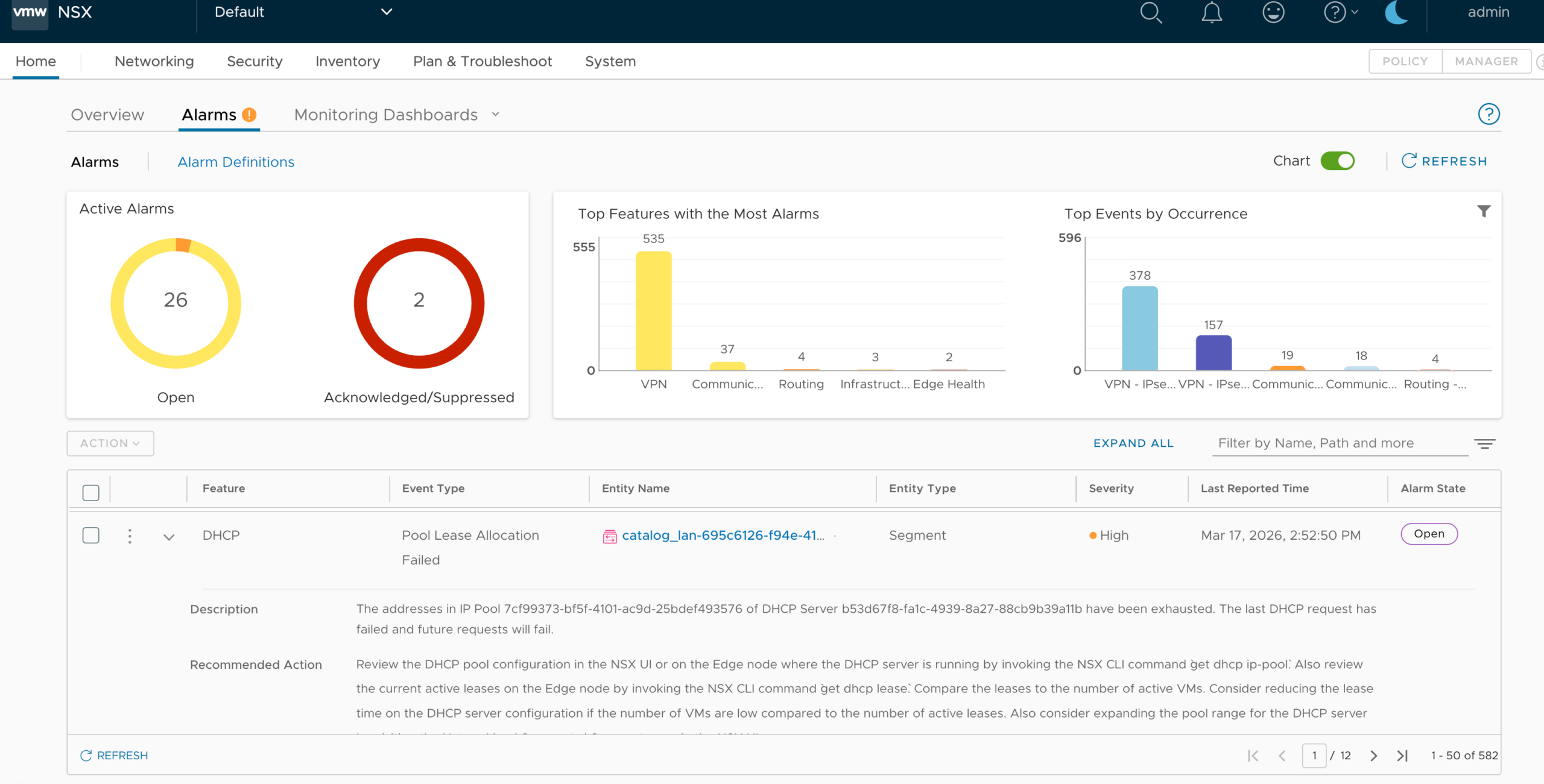
On NSX Manager UI Error Similar to Below are seen:
Cause
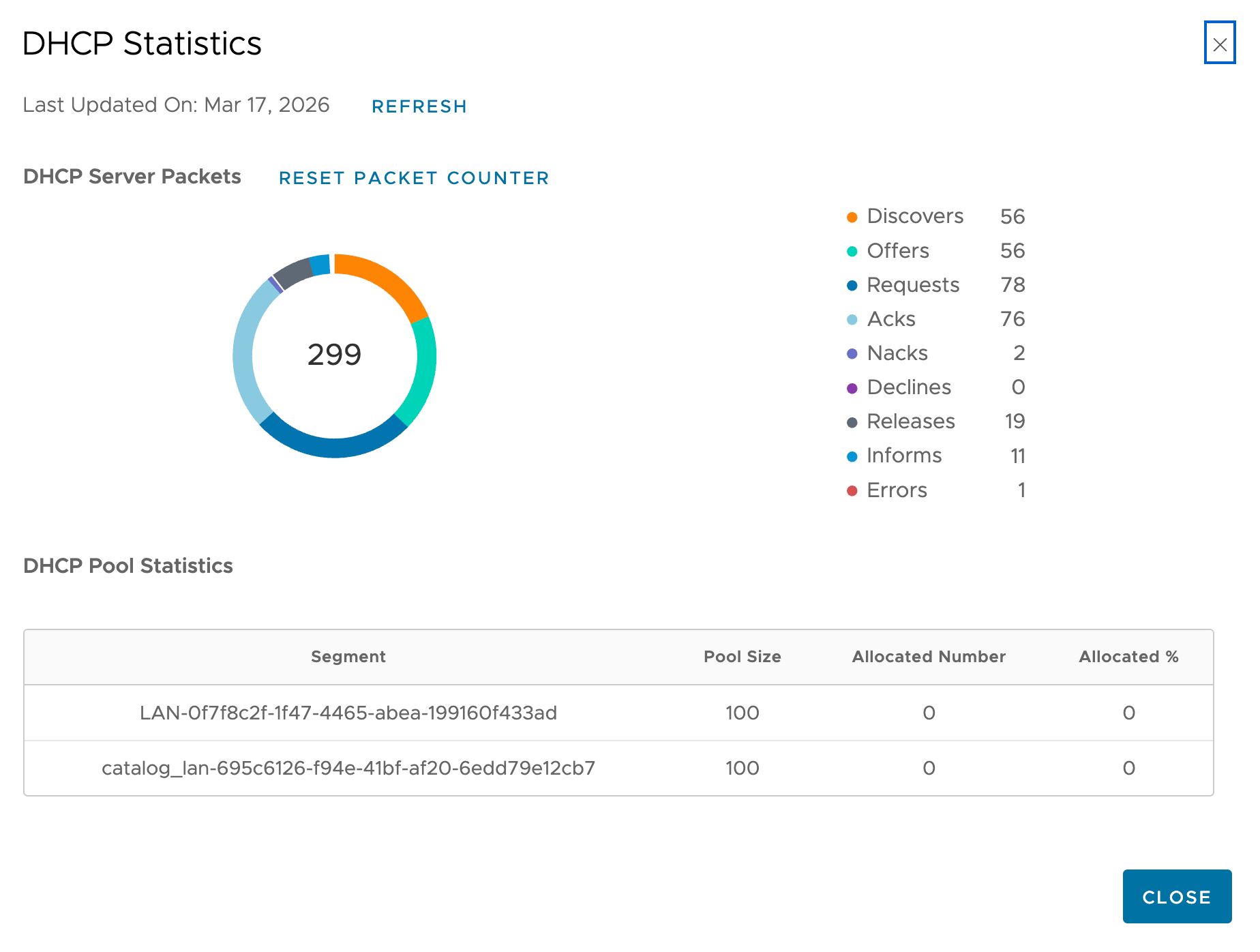
The DHCP server reported exhaustion because stale lease entries were retained in the lease table. These entries blocked allocation of IPs even though some were not actively in use by VMs.
When a DHCP pool within an NSX environment becomes exhausted due to stale lease entries, the issue often stems from a combination of long lease durations and dynamic environments where virtual machines are frequently created and destroyed without properly releasing their IP addresses.
Resolution
- Identify the affected DHCP server and pool:
get dhcp ip-pool

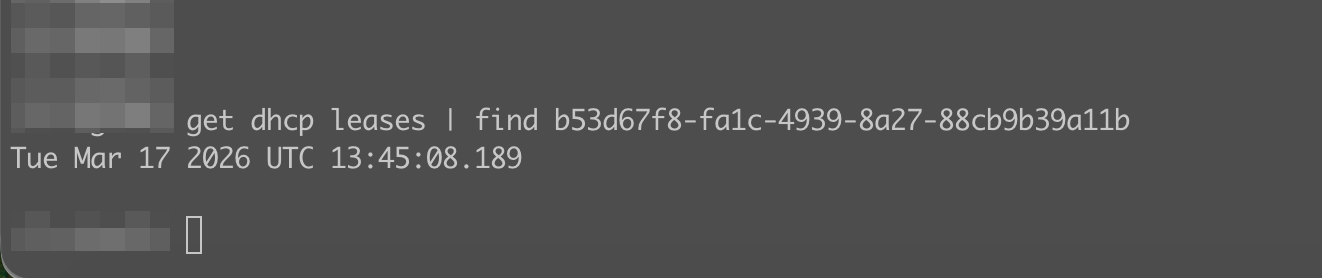
get dhcp leases | find <pool-UUID>
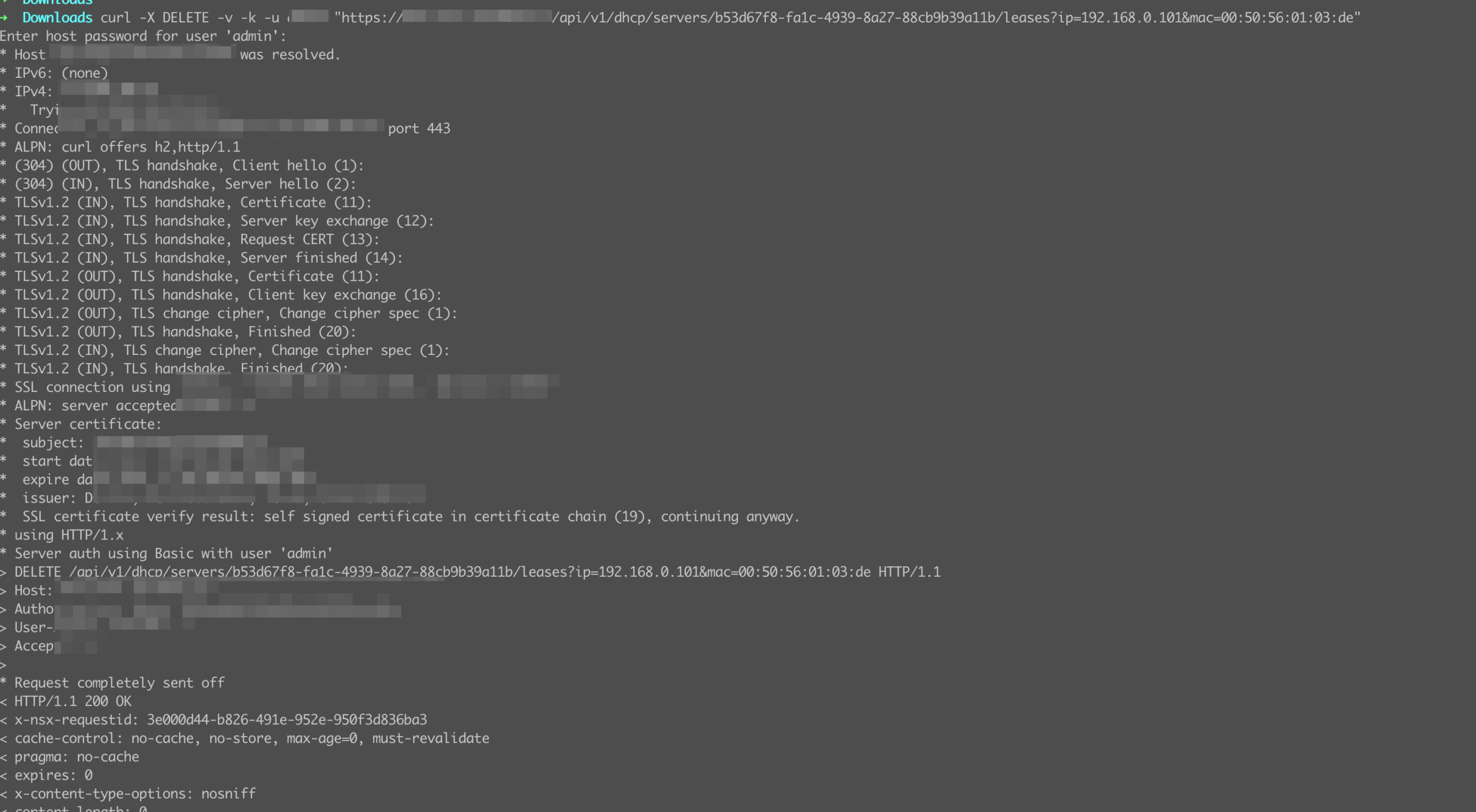
2. Release stale IP-to-MAC bindings using the NSX API:
curl -X DELETE -v -k -u admin "https://<NSX-MGR>/api/v1/dhcp/servers/<server-UUID>/leases?ip=<IP>&mac=<MAC>"3. After cleanup, confirm DHCP pool availability using:
get dhcp leases all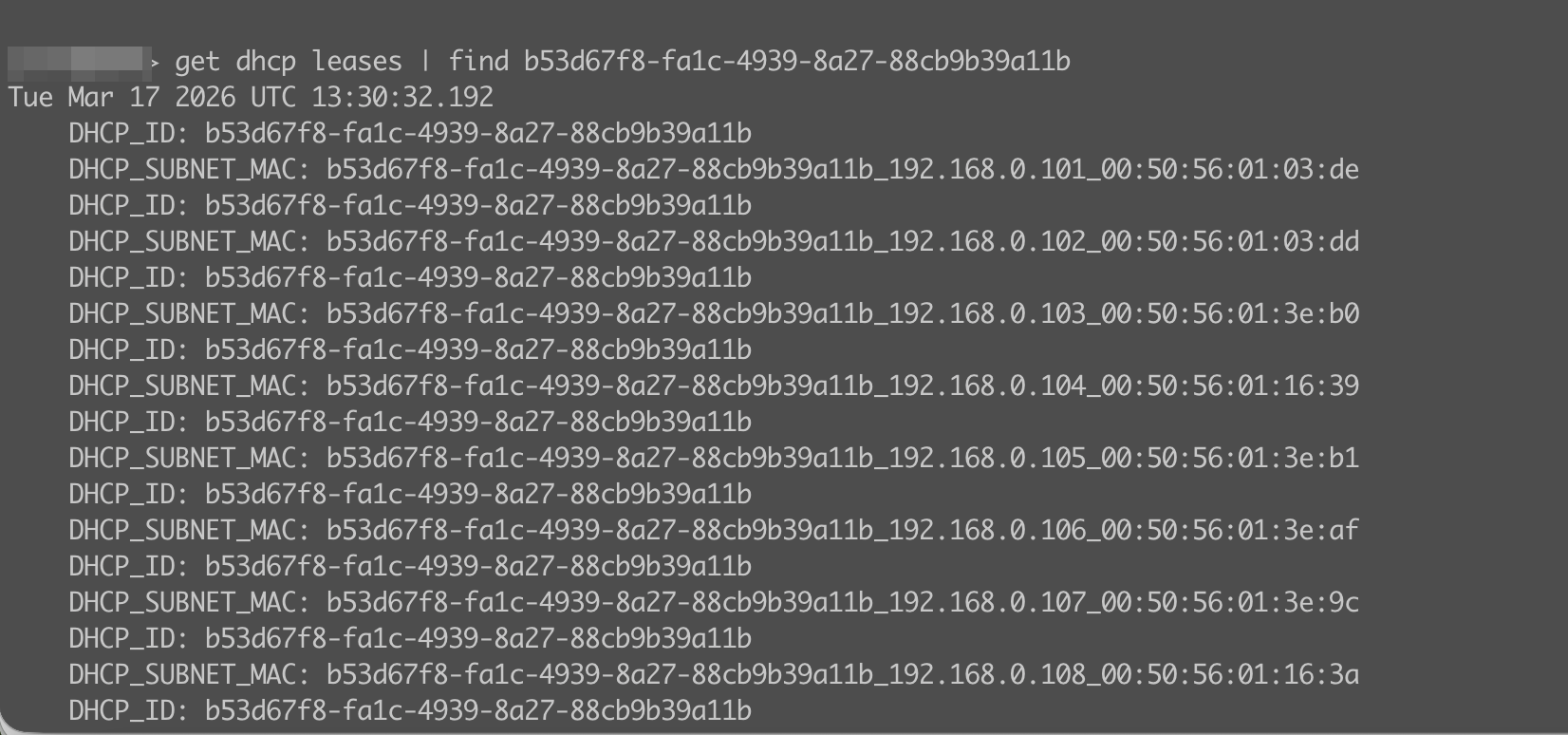
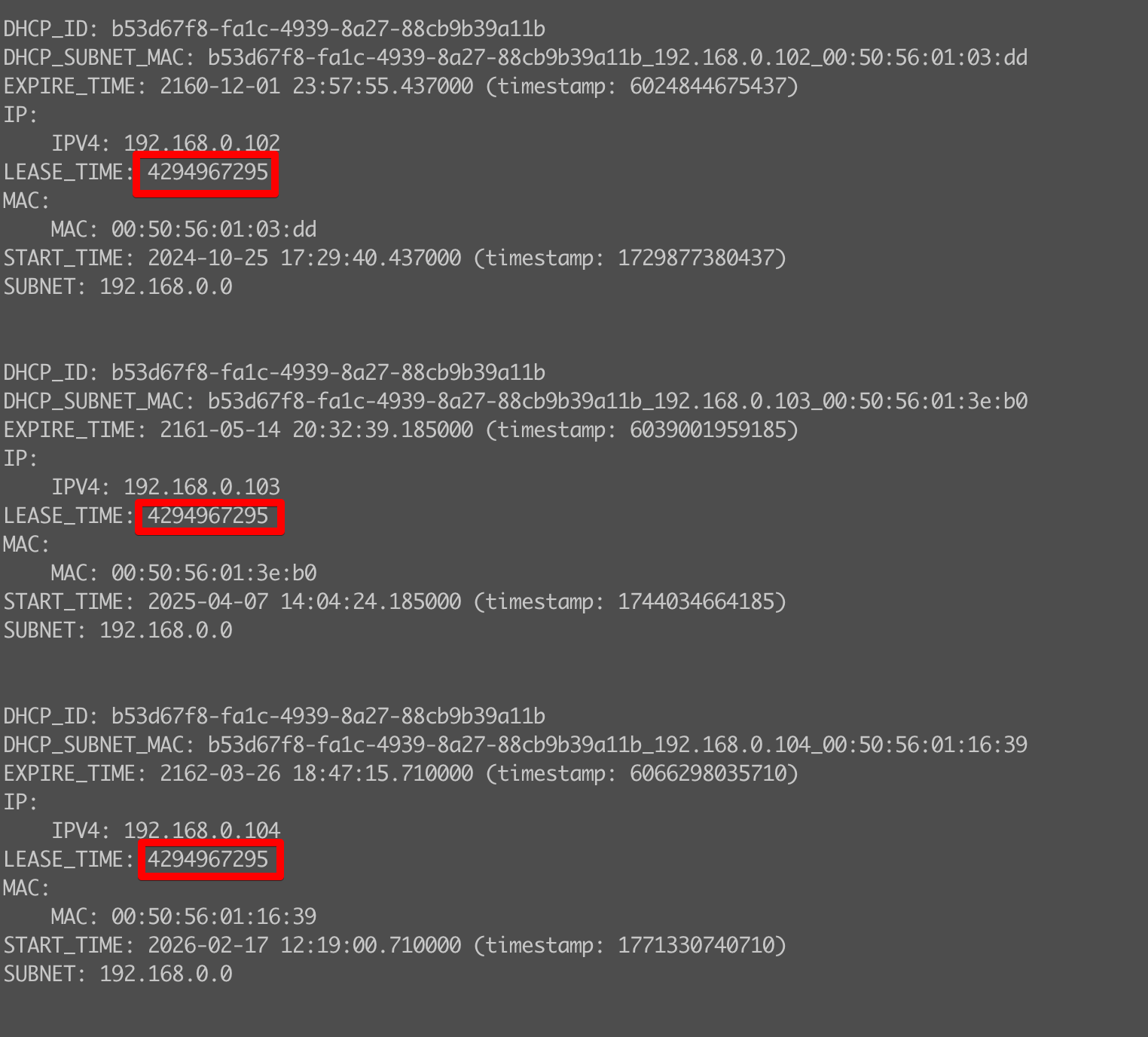
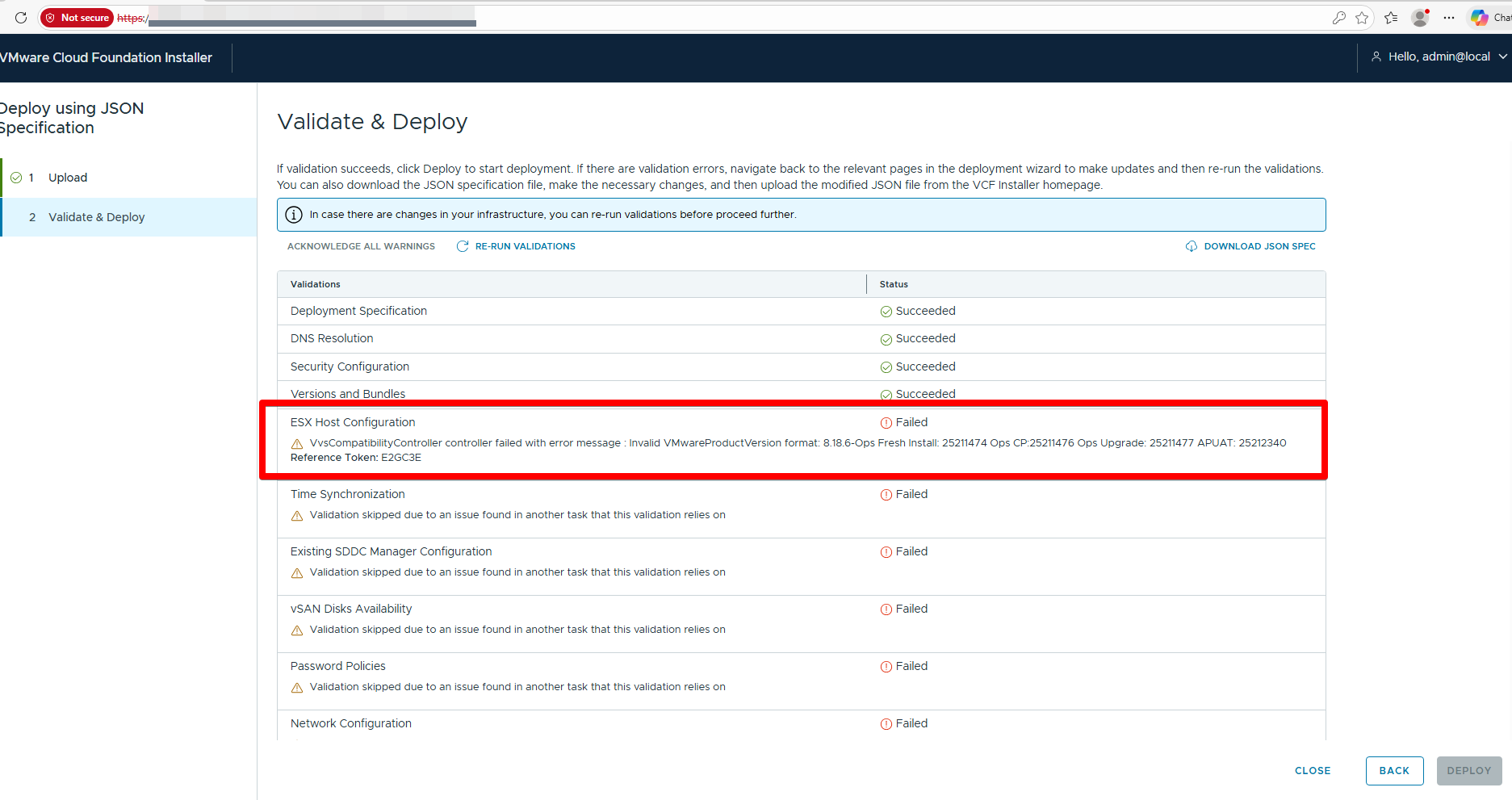
There is also an issue with an abnormal lease time being set, which can be seen in the screenshot, circled in red. This can be fixed either through the direct NSX UI, or by finding the required network from the Cloud Director UI. Or by making the appropriate API call.