Issue
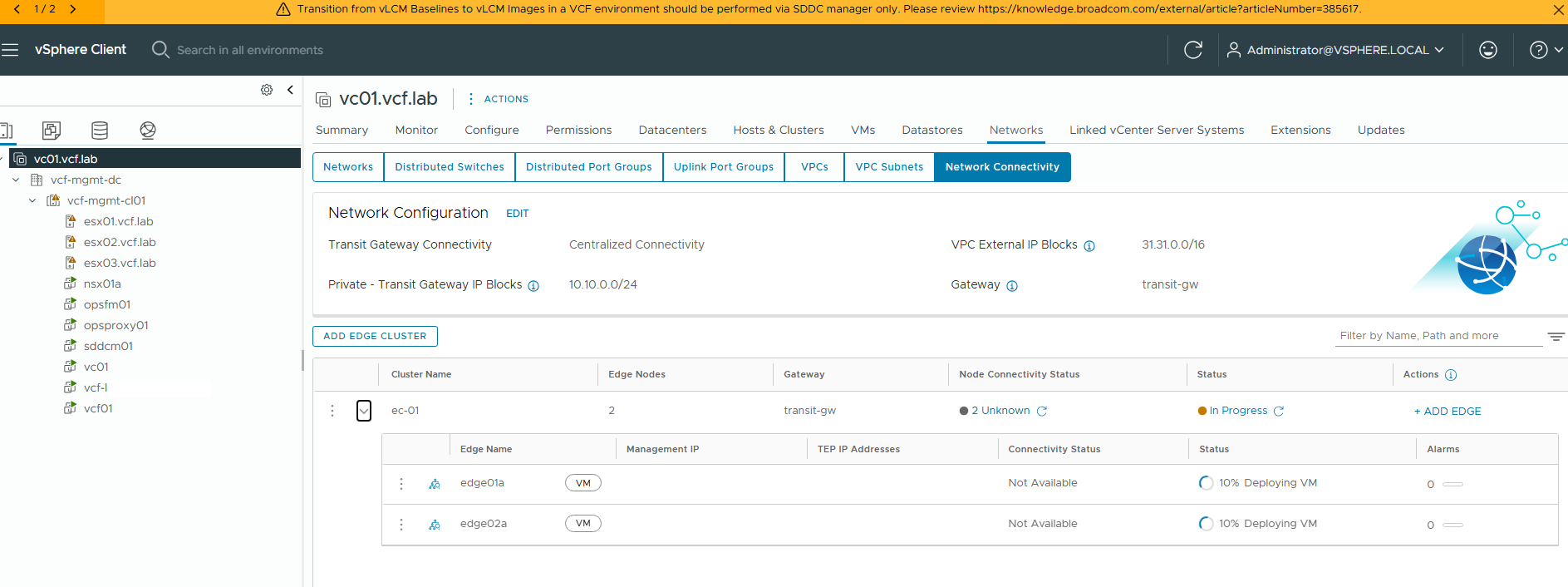
In the NSX UI, an NSX Edge node deployment fails with:
OVF certificate validation failed. Error: [VALIDATION_ERROR: CERTIFICATE_EXPIRED; ]" error for NSX Edge Install/Redeploy/Resize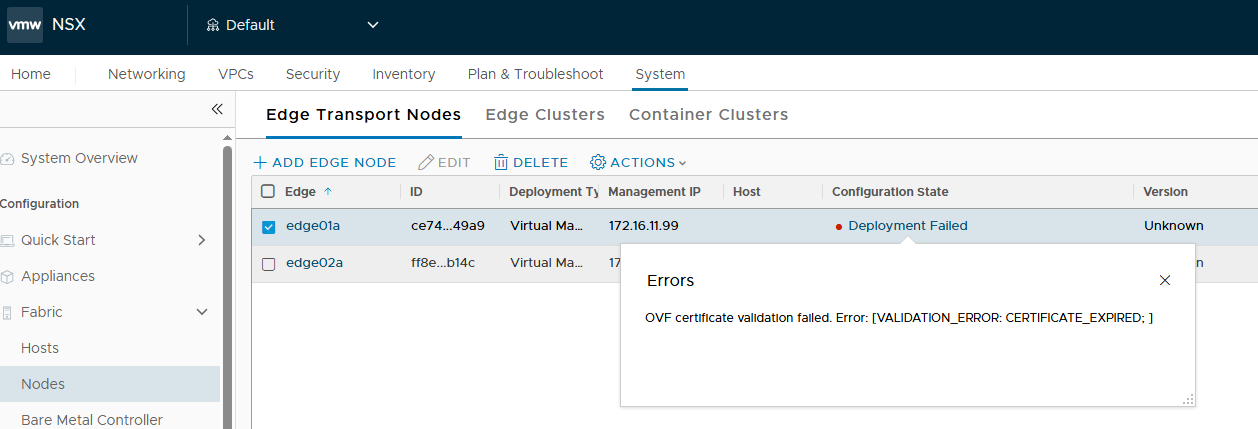
Cause
The signing certificate used for signing the Edge OVF during the build process expired on January 3rd, 2026. As a result any new Edge install or existing Edge redeploy/resize workflows using the NSX UI/API will fail.
Resolution
This is a known issue impacting VMware NSX 3.x and 4.x.
This issue is resolved in NSX 4.2.3.3 available Broadcom NSX downloads and VCF 9.0.2 available at Broadcom VCF downloads.
On impacted release, to workaround this issue follow this procedure which involves disabling OVF validation on the NSX Manager. Ensure an up to date backup is in place and the credentials and passphrase are known. There is no impact to production when following this procedure.
Workaround persistence:
- The setting is persistent across Manager reboots.
- The setting is persistent after an NSX upgrade.
- The setting will only be reset to default during a fresh manager install or a redeploy. The script will need to be run again in this case.
- Download the attached script at the bottom .
- Copy the script to the all the 3 NSX Managers.
- Login as root user to the NSX Manager and execute the script on all 3 Managers.
- If the script has been successful, proceed with the deployment operation.
- If this is a new Edge deployment failure, delete the Edge before trying the deployment again.
- If this is a failed redeployment of an existing Edge, retry the redeployment.
ssh admin@<nsx ip>
st en
chmod  +x disable_ovf_validation_flag.sh
bash disable_ovf_validation_flag.sh
If the script has executed successfully, the following will be outputted to screen:
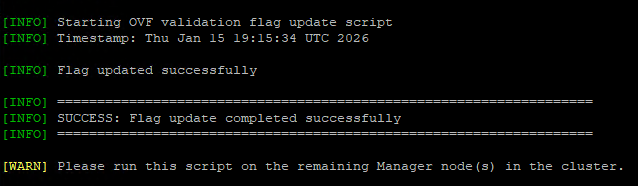
It is acceptable to leave this workaround in place to avoid a repeat occurrence of the issue.
If it is preferred to revert the workaround, follow these steps.
- Download the attached script at the bottom.
- Copy the script to the all the 3 NSX Managers.
- Login as root user to the NSX Manager and execute the script on all 3 Managers.
ssh admin@<nsx ip>
st en
chmod  +x enable_ovf_validation_flag.sh
bash enable_ovf_validation_flag.sh
If the script has executed successfully, the following will be outputted to screen:
[INFO] Starting OVF validation flag update script
[INFO] Timestamp: Thu Jan  1 19:15:49 UTC 2026
[INFO] Flag updated successfully
[INFO] ===================================================================
[INFO] SUCCESS: Flag update completed successfully
[INFO] ===================================================================
[WARN] Please run this script on the remaining Manager node(s) in the cluster.
Post Scriptum
If SSH is not running on NSX then you will need to console into the NSX Managers first as admin, then run:
get service sshIf SSH service is not running then you will need to start the ssh service:
start service sshKeep SSH persistent upon reboot then execute:
set service ssh start-on-boot