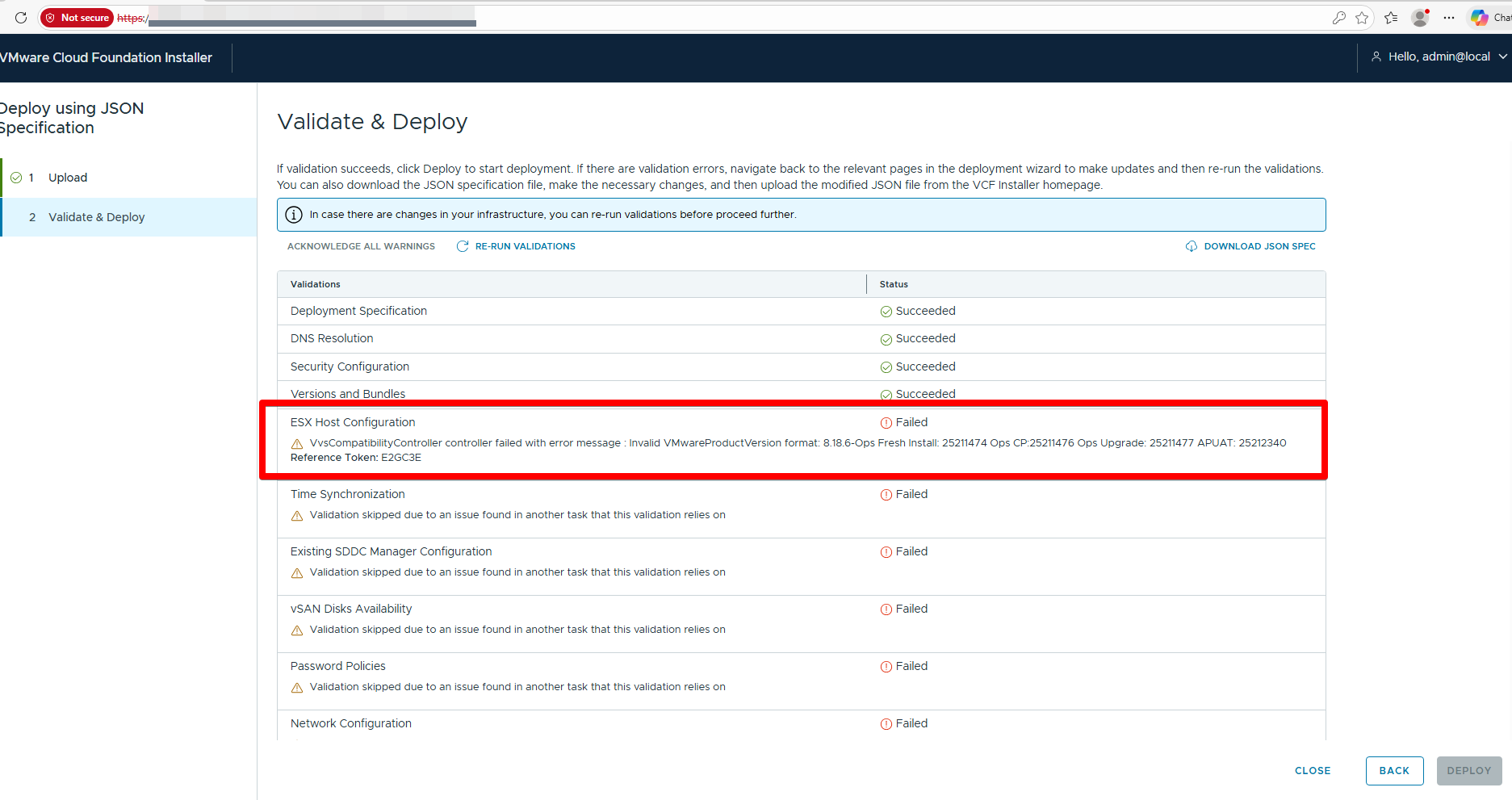
VvsCompatibilityController controller failed with
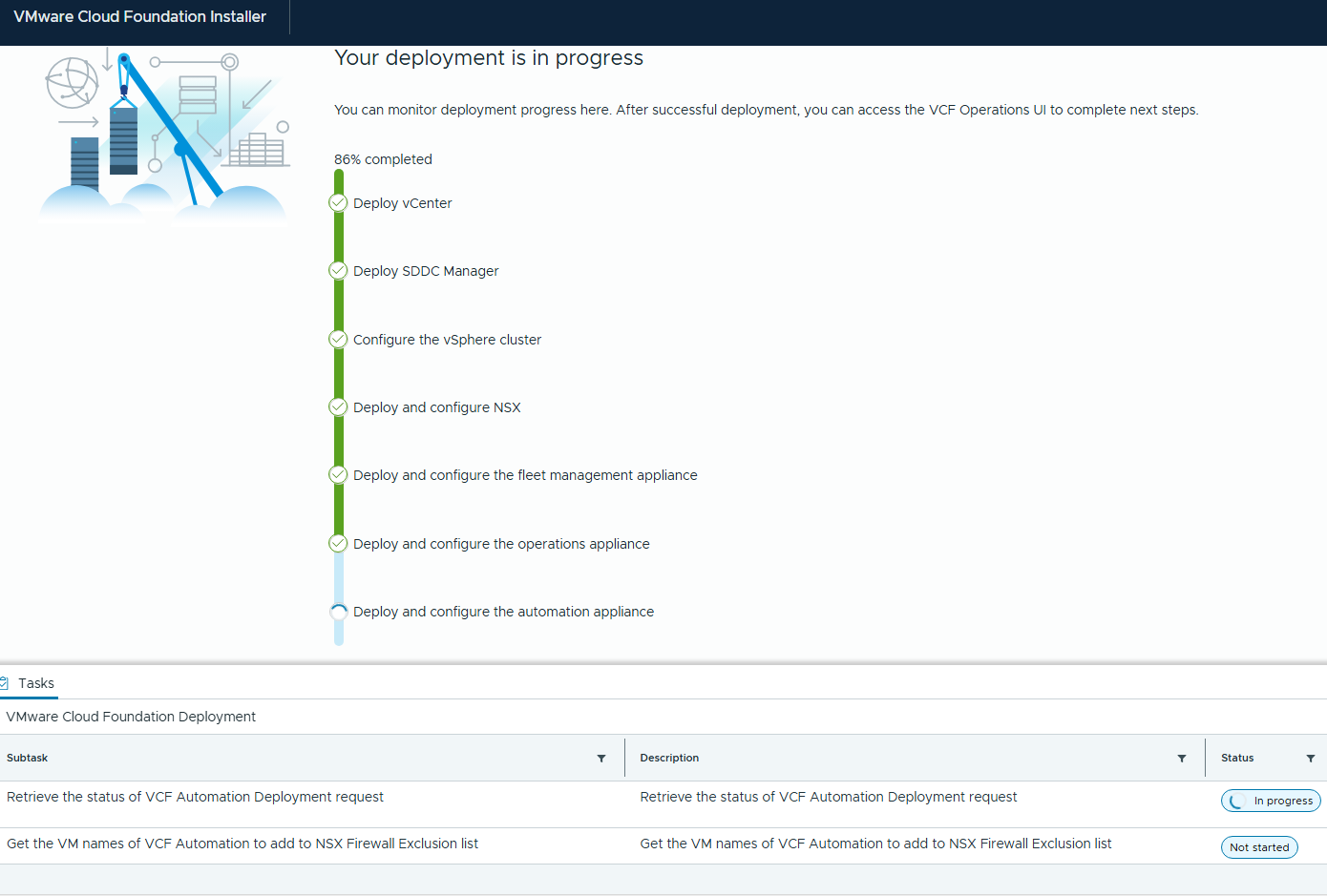
error message : Invalid VMwareProductVersion format: 8.18.6-Ops Fresh Install: 25211474 Ops CP:25211476 Ops Upgrade: 25211477 APUAT:25212340
The VvsCompatibilityController error indicates a parsing failure in SDDC Manager when validating product versions against compatibility data, specifically rejecting the non-standard “VMwareProductVersion” format like “8.18.6-Ops Fresh Install: 25211474” .
This typically occurs during upgrades, bundle uploads, or ops/install checks where the system expects a simple semantic version (e.g., “8.18.6”) but encounters extended labels with build IDs and descriptors.
Troubleshooting Steps
- SSH into the VCD/SDDC Manager appliance as root and inspect logs in /opt/vmware/var/log/vami/ (e.g., vami.log, updatecli.log) or /opt/vmware/vcf/lcm/lcm-app/logs/ for the reference token “ORALS2” to pinpoint the failing operation.
- Download and validate fresh VVS compatibility data:
curl 'https://vvs.broadcom.com/v1/products/bundles/type/vcf-lcm-v2-bundle?format=json' \
  --header 'x-vmw-esp-clientid: vcf-lcm' > /nfs/vmware/vcf/nfs-mount/compatibility/VmwareCompatibilityData.json
3. Temporarily disable compatibility polling/checks by editing /opt/vmware/vcf/lcm/lcm-app/conf/application-prod.properties (set lcm.core.enableVmwareCompatibilityDataPolling=false or vcf.compatibility.controllers.compatibilityCheckEnabled=false), then systemctl restart lcm. Re-enable after fixing.
SSH into SDDC Manager appliance
vi /opt/vmware/vcf/lcm/lcm-app/conf/compatibility.flagUpdate the property “vcf.compatibility.controllers.compatibilityCheckEnabled” to false.

Restart Lifecycle Management by running the command.
systemctl restart lcm
Re-enable the compatibility checks once the upgrades are complete to ensure guardrails are in place.