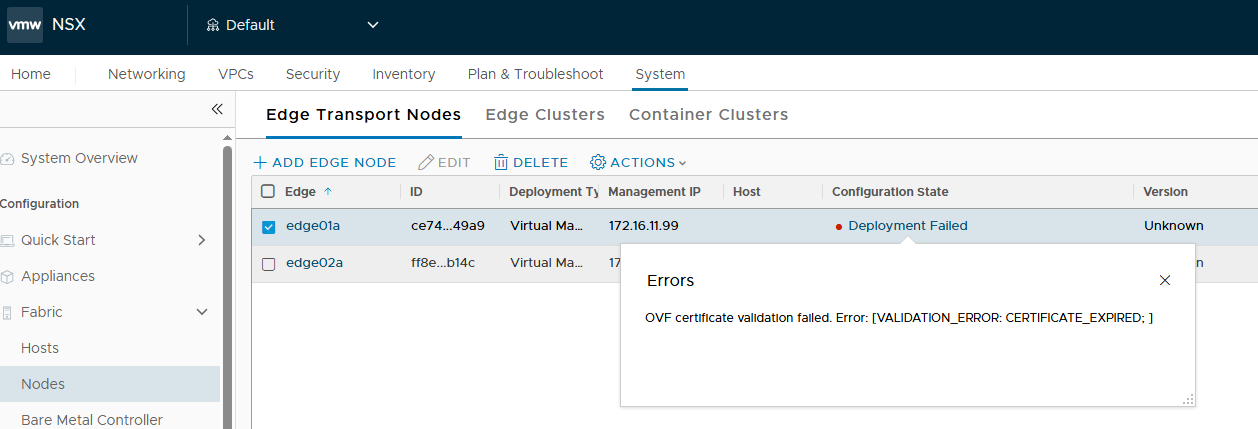
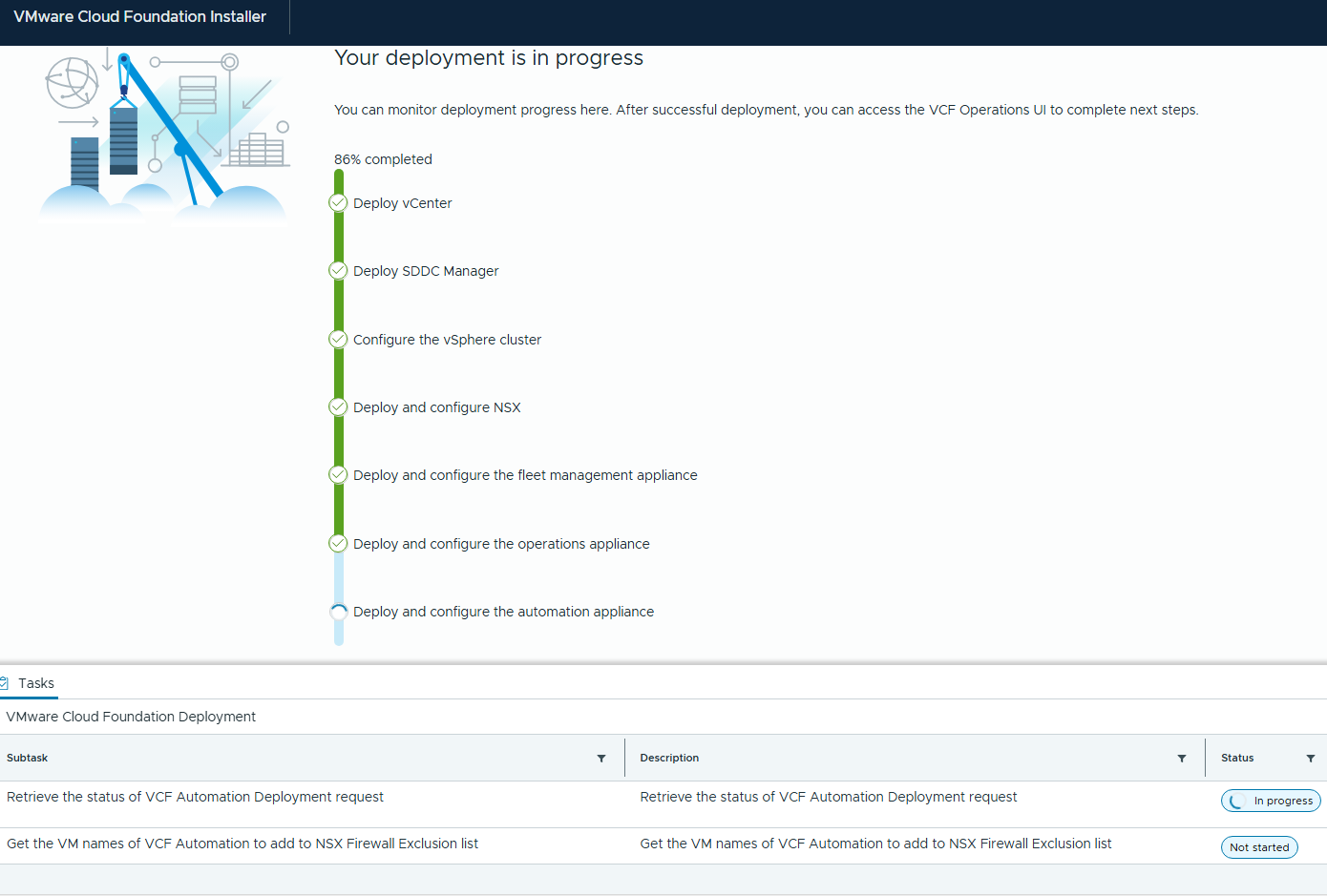
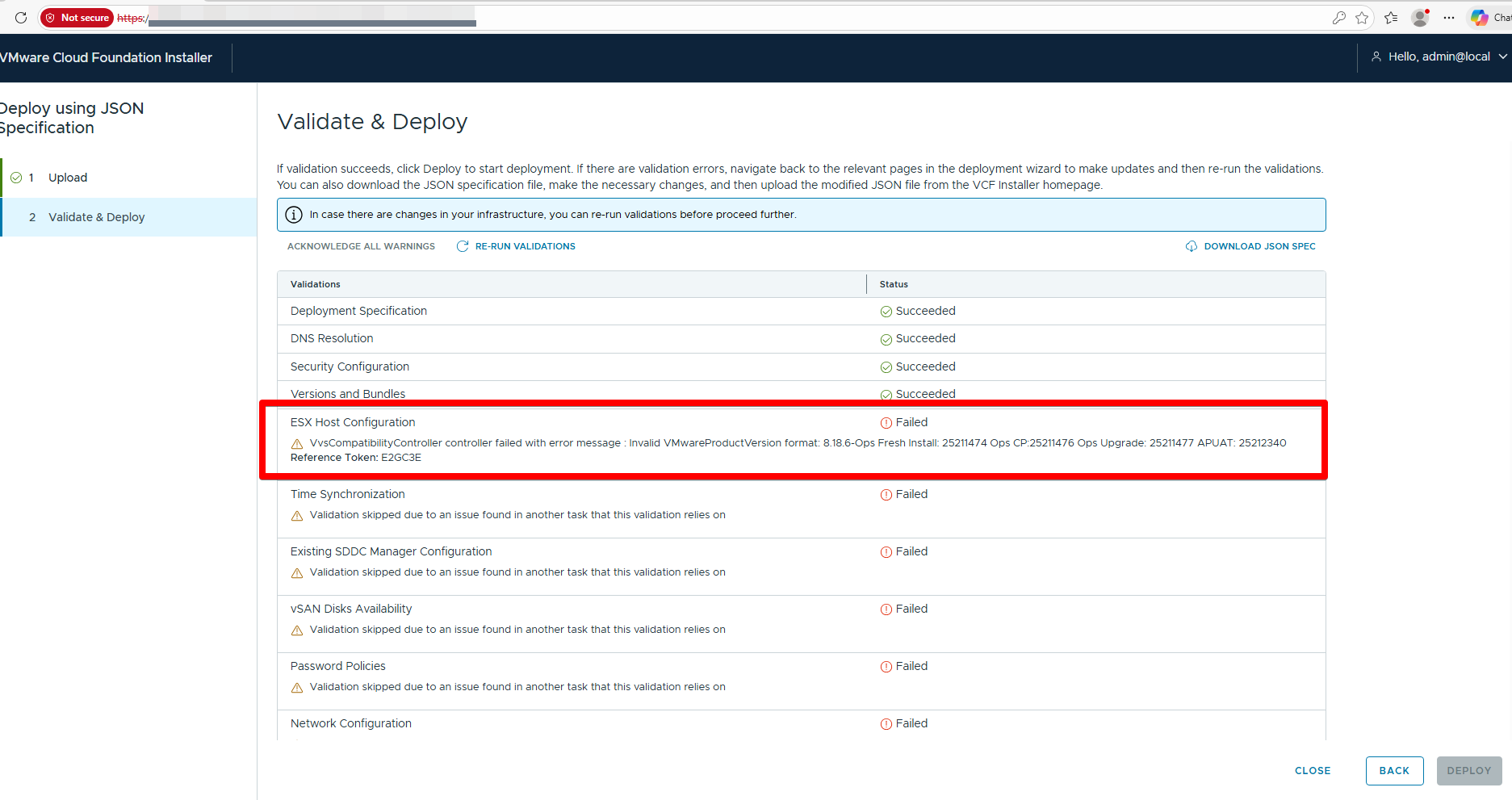
VCF Installer, and workflow failed at the “Generate NSX Input Data” task with the following error:

Workaround #1
This workaround is effective only when applied to the VCF installer prior to initiating a new VCF deployment. If a deployment has already been started, apply Workaround #1 first, then proceed to Workaround #2.
Download both fix_manifest.sh and the corresponding manifest vcfManifest## file attached to this article.
- Using a file transfer utility, upload both files to the VCF Installer appliance.
- SSH to the VCF Installer (or SDDC Manager depending on the scenario- if installer and SDDC is the same, login to the same, if the installer and SDDC are separate machines, login to the installer)
- Elevate to root:
su - Navigate to the location of the uploaded files and update the file permissions:
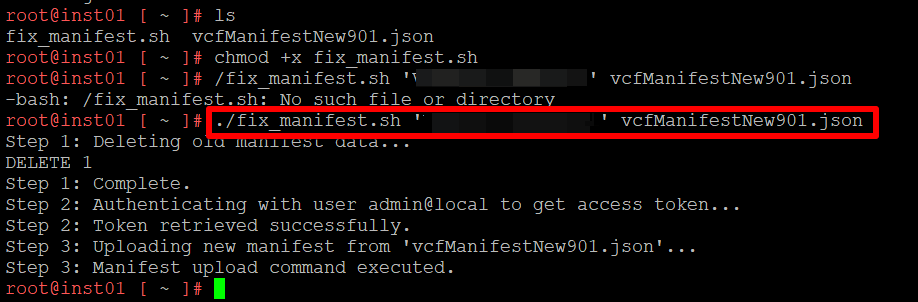
chmod +x fix_manifest.sh - Run the following command:
/fix_manifest.sh '<admin-local-password>' vcfManifestNew###.json
Workaround #2
- SSH into the SDDC manager appliance and then elevate to root with su.
- Record the “execution_ID” in the SDDC Manager’s
/var/log/vcf/domainmanager/domainmanager.log.
Example:2026-02-02T20:36:08.507+0000 INFO [vcf_dm,69810ab878823e334f223275a5a59b60,afa7] [c.v.v.l.a.a.ActivityLoggingInterceptor,http-nio-127.0.0.1-7200-exec-3] {"username":null,"timestamp":"2026-02- 02T20:36:08.507Z","clientIP":"127.0.0.1","userAgent":"Apache-HttpClient/5.3.1 (Java/17.0.16)","api":"/domainmanager/workflows/<execution_ID>","httpMethod":"GET","httpStatus":200,"operation":"Get a workflow with a specific320E] - Enable domainmanager vault access and cycle the domainmanager service.
echo vcf.vault.http-access=true >> /etc/vmware/vcf/domainmanager/application.properties && systemctl restart domainmanager - Run the following command to dump the workflow json.
curl -X GET http://localhost/domainmanager/internal/vault/<execution ID identified from domainmanager.log> | json_pp > /tmp/workflow.json
Sample:curl -X GET http://localhost/domainmanager/internal/vault/86ba####-####-####-####-########5eb7 | json_pp > /tmp/workflow.json - Edit /tmp/workflow.json file and edit the line,
"initSddcGreenfield____1__addViWithPolicyNsxt____4__NsxtAddViHeader____8__vcfCompliantNsxtVersion"vi /tmp/workflow.json
Example for 9.0.1"initSddcGreenfield____1__addViWithPolicyNsxt____4__NsxtAddViHeader____8__vcfCompliantNsxtVersion" : "9.0.1.0.24952111", - Update the modified workflow.json in VCF Installer
curl -H 'Content-Type:text/plain' -X PUT http://localhost/domainmanager/internal/vault/86ba####-####-####-####-########5eb7 -d @/tmp/workflow.json - Retry the failed run from the VCF Installer UI
POST SUCCESSFUL DEPLOYMENT - SSH into the SDDC manager appliance and then elevate to root with su.
- Truncate the manifest file to remove the custom manifest file.
psql -h localhost -U postgres -d lcm -c "truncate manifest"