-
 Continue reading →: NSX DHCP Pool Exhaustion
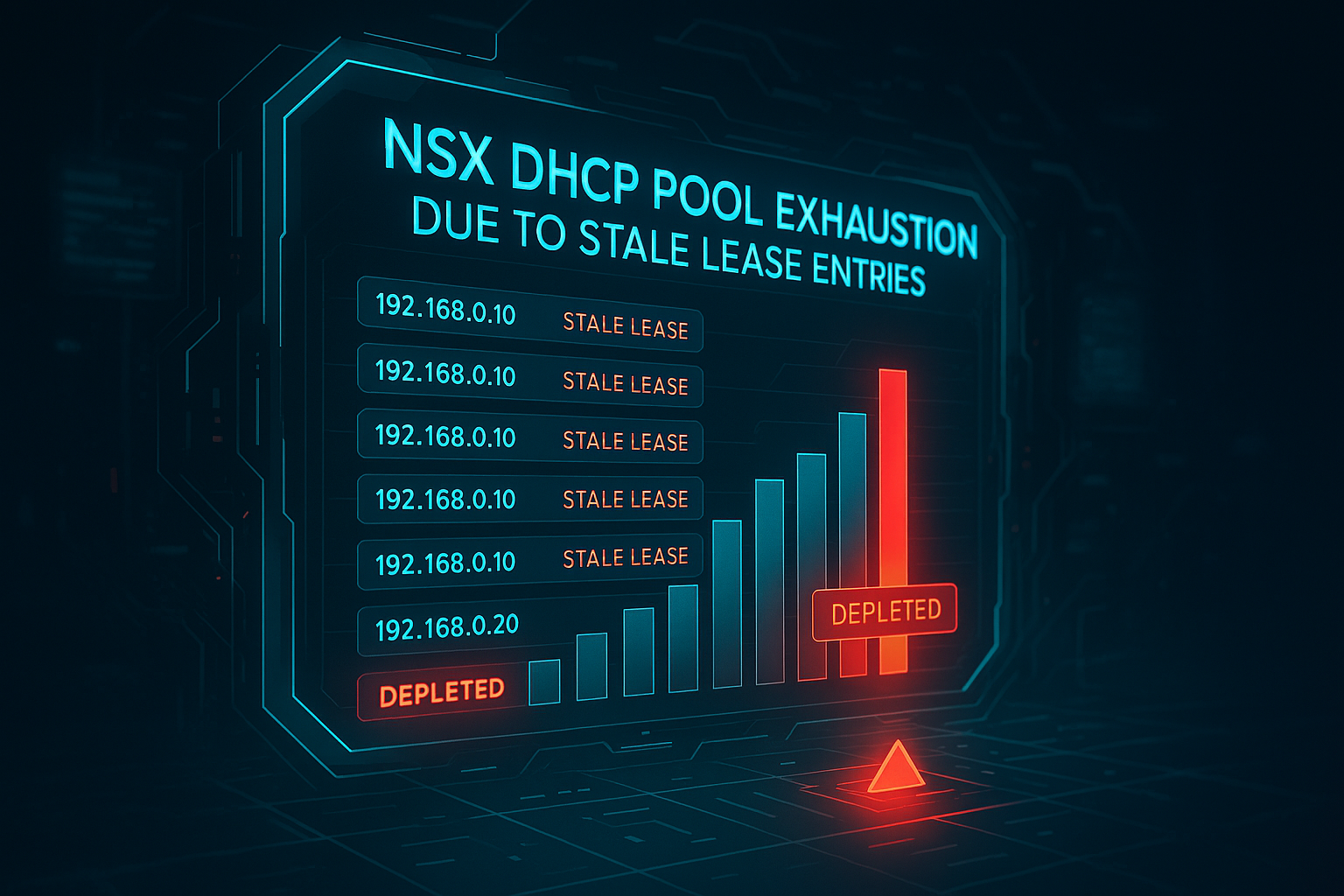
Issue VMs unable to get IP address from the DHCP server defined on NSX Segment. On NSX Manager UI Error Similar to Below are seen: Cause The DHCP server reported exhaustion because stale lease entries were retained in the lease table. These entries blocked allocation of IPs even though some…
-
 Continue reading →: Adding Nvidia vGPU Drivers to an Image-Managed ESXi Cluster
vCenter Image Manager N Overview When running an image-managed ESXi cluster via vCenter Lifecycle Manager, adding third-party drivers — such as Nvidia vGPU host drivers — requires a specific workflow. Rather than manually installing packages per host, drivers are added as optional components directly into the cluster’s desired image. This…
-
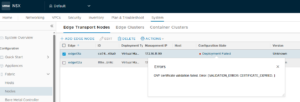 Continue reading →: OVF certificate validation failed.
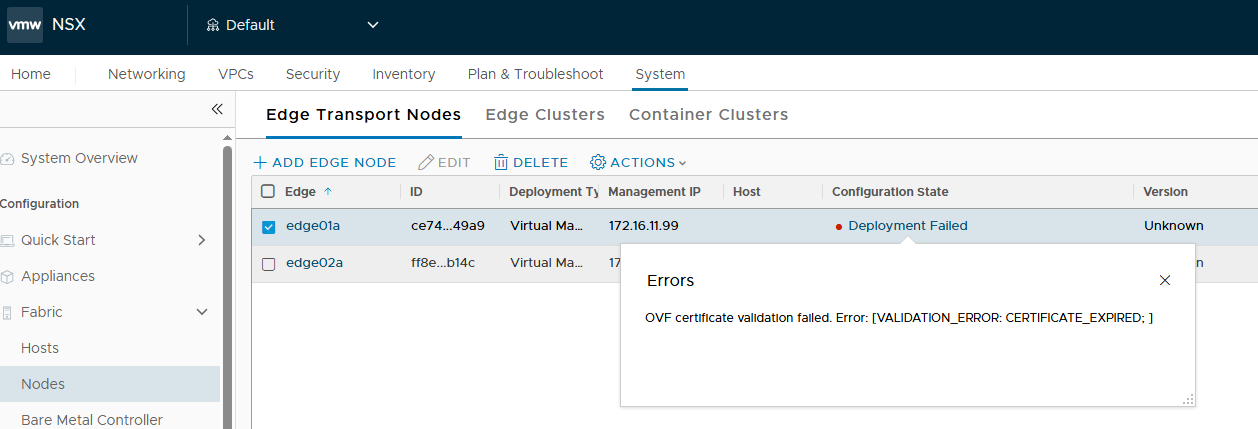
Issue In the NSX UI, an NSX Edge node deployment fails with: Cause The signing certificate used for signing the Edge OVF during the build process expired on January 3rd, 2026. As a result any new Edge install or existing Edge redeploy/resize workflows using the NSX UI/API will fail. Resolution…
-
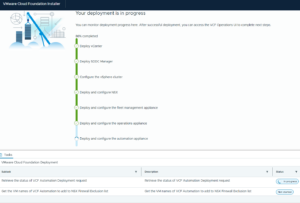 Continue reading →: VCF 9.0 Bringup Fails – Failed to Retrieve Compatibility Matrix for Component
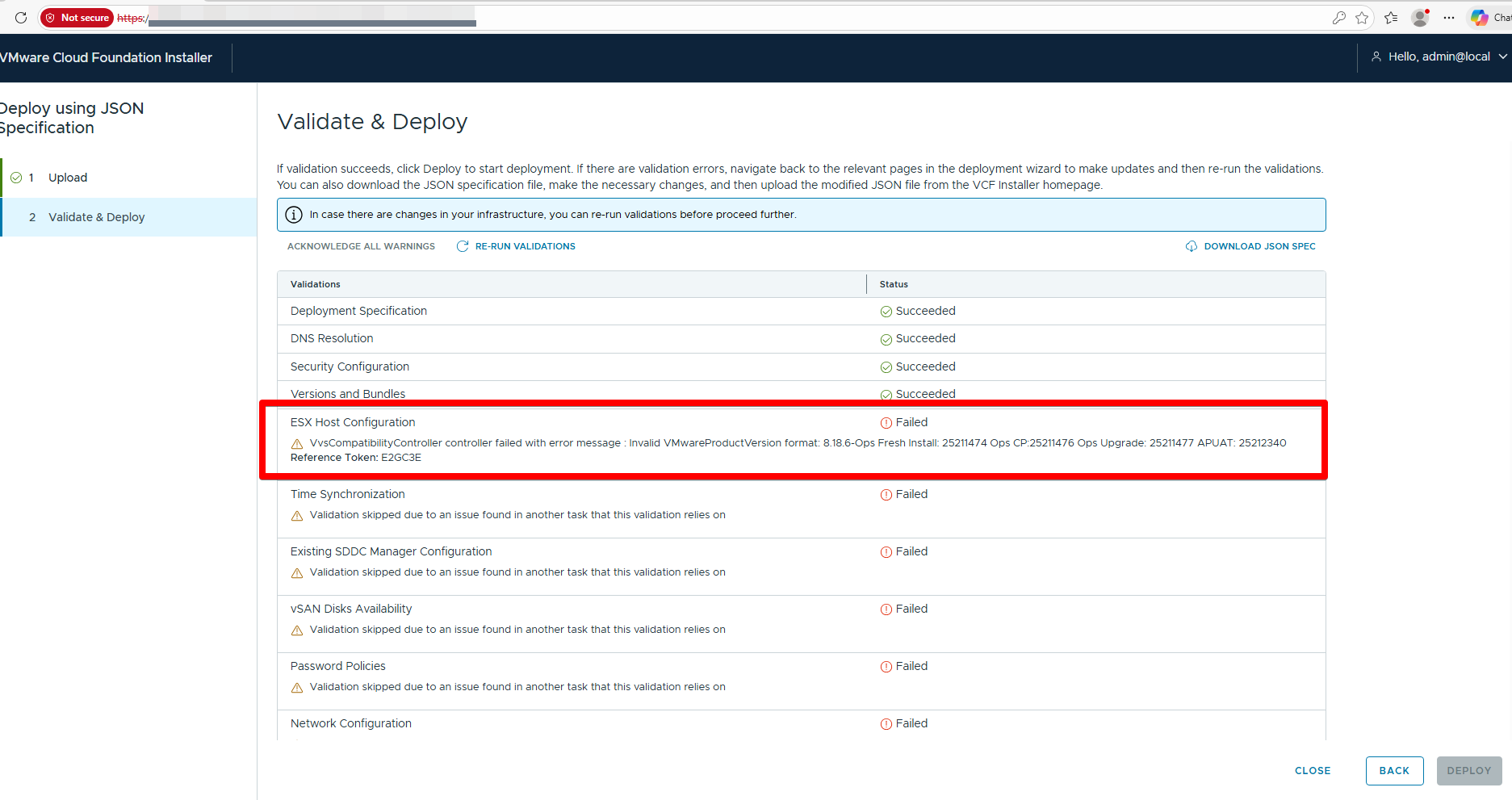
Validate and Deploy fails with errors such as: This is also applicable in the scenario where VCF 9.x bring up is failing during validation due to below error: ERROR [vcf_dm,f] [c.v.e.s.o.model.error.ErrorFactory,dm-XX] [XXXX] COMPATIBILITY_CONTROLLER_EXCEPTION VvsCompatibilityController controller failed with error message : Invalid VMwareProductVersion format: 8.18.6-Ops Fresh Install: 25211474 Ops CP:25211476 Ops…
-
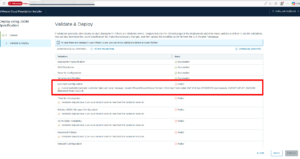 Continue reading →: VvsCompatibilityController controller failed
The VvsCompatibilityController error indicates a parsing failure in SDDC Manager when validating product versions against compatibility data, specifically rejecting the non-standard “VMwareProductVersion” format like “8.18.6-Ops Fresh Install: 25211474” .This typically occurs during upgrades, bundle uploads, or ops/install checks where the system expects a simple semantic version (e.g., “8.18.6”) but encounters…
-
Continue reading →: VCF Deployment fails – NSX image validation failed
VCF Installer, and workflow failed at the “Generate NSX Input Data” task with the following error: Workaround #1 This workaround is effective only when applied to the VCF installer prior to initiating a new VCF deployment. If a deployment has already been started, apply Workaround #1 first, then proceed to…
-
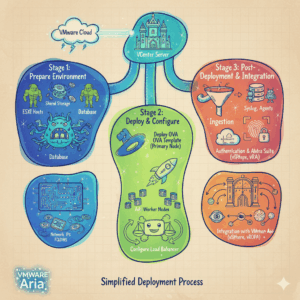 Continue reading →: Deploy Cluster for Aria Operations for Logs
Due to the new national cybersecurity law and the NIS2 directive, we have a new requirement that log files must be stored for the long term. As a provider of VMware stack, we are required to retain log files for 2 years. vCenter, vSphere, NSX, Cloud Director etc…. you name…
-
 Continue reading →: Passing CompTIA Network+ exam
The actual exam was very challenging. I can’t emphasize the importance of understanding each objective. There are some that say it’s not required but the reality is if CompTIA listed topics on the objectives there is a strong possibility that it would be on the exam. To pass the CompTIA…
-
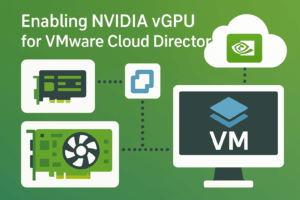 Continue reading →: Enable NVIDIA vGPU in VMware Cloud Director
Overview This article provides step-by-step instructions for enabling NVIDIA vGPU (Virtual GPU) technology and configuring vGPU profiles in VMware Cloud Director (VCD). NVIDIA vGPU allows multiple virtual machines to share physical GPU resources, enabling GPU acceleration for graphics-intensive workloads in cloud environments. Prerequisites Hardware Requirements Software Requirements Step 1: Install…
-
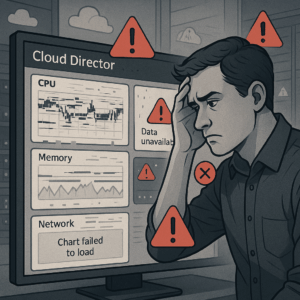 Continue reading →: Metrics appear on the y-axis in VCD 10.6
Virtual machine metrics charts in VMware Cloud Director 10.6.1 display all values along the y-axis. Certain data sets exceed the ability of the chart to display the data correctly. Issue caused due to a Bug in the code and this bug is fixed in the 10.6.1.1 release. You need to…
-
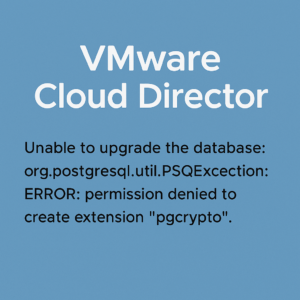 Continue reading →: Cloud Director – Unable Upgrade Database
While upgrading the platform from version 10.5.1 to 10.6.1, we encountered problems during the database schema upgrade step. The entire process ended with an error. As a result, the Cloud Director database was no longer usable and the database recovery procedure described in this document had to be performed. https://techdocs.broadcom.com/us/en/vmware-cis/cloud-director/vmware-cloud-director/10-6/vmware-cloud-director-installation-and-upgrade-guide-10-6/deployment-uprade-and-administration-of-the-vcd-appliance-install/upgrading-and-migrating-your-vmware-cloud-director-appliance-install/roll-back-your-vcd-appliance-when-upgrade-fails-install.html…
-
 Continue reading →: VCDA Stale Records
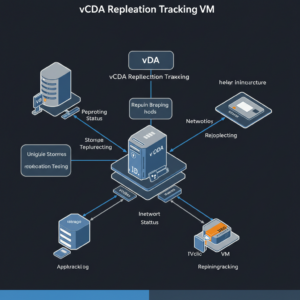
When you delete VM replication from VMware Cloud Director Availability (VCDA), however corresponding Replication Tracking VM references are not deleted from vCenter. VMware Cloud Director (VCD) detects references to these Replication Tracking VMs, which in turn leads to the allocation and consumption of storage resources. As you can see, they…
-
 Continue reading →: Activating Chargeback in Aria Operations
What is VMware Chargeback? VMware Chargeback is a tool provided by VMware that allows service providers to manage and allocate costs associated with virtualized environments. It helps both providers and tenants understand resource consumption and allocate costs accordingly. VMware Chargeback functions as a plug-in for the tenants, offering a metering…
-
Continue reading →: Smarter VM Placement with Guest OS Awareness
VMware released a new VCD version 10.6.1 with very interesting improvements. I was intrigued by this particular one. I quote a post from VMware’s blog below. https://blogs.vmware.com/cloudprovider/2025/02/vmware-cloud-director-10-6-1-is-here-whats-new.html Very good, but how and where! Google searches returned zero entries and I also found nothing in the official documentation. Finally I came…
-
Continue reading →: Primary DB Node Very High CPU Usage
While integrating Cloud Director with Aria Operations to provide customers with resource usage reports and billing. We noticed that the CPU load on the primary node in the Postgres DB cluster was increasing. It gradually increased and remained constant for days. It could even reach 85 Ghz CPU loads. When…
-
 Continue reading →: NSX Manager – Replace Certificates
After you install NSX, the manager nodes and cluster have self-signed certificates. Replace the self-signed certificates with a CA-signed certificate and use a single common CA-signed certificate with a SAN (Subject Alternative Name) that matches all the nodes and the VIP for the cluster. Prerequisites Procedure We will show how we…
-
Continue reading →: Content Hub – SSL Errors When Adding Applications
After creating content hub, in process of adding applications from VMware marketplace it’s ends with errors. The URL of VCD is not included in the allowed origins list. So the logs are throwing CORS error. All the URLs with https should also be included in the allowed origins. Refer: Modifying the…
-
Continue reading →: Unable Access Aria Ops Plugin from vCloud Director Web Interface
This happens because by default the Cloud Director tries to connect to Aria Operations using the IP. If the certificate on Aria Operations uses FQDN, Cloud Director doesn’t trust the connection leading to the certificate error. To resolve this, please follow the below steps: Refresh the page on Cloud Director…
-
Continue reading →: VMware Cloud Director Encryption Management
VMware Cloud Director Encryption Management is a solution add-on which grants tenant administrators the ability to use encryption keys from their own key providers for encryption of virtual machines (with or without vTPM devices), vApp templates, and named disks in their VMware Cloud Director virtual data centers (VDCs). Setting up Encryption in Cloud…
-
 Continue reading →: Backup/Restore ESXi configuration using CLI
In some cases we need to reinstall ESXi host. To avoid time consuming setting up servers, we can quickly backup and restore host configuration. To achieve this, there are three possible ways: ESXi command line, vSphere CLI or PowerCLI. Backup ESXi configuration SSH to the ESXi host. Synchronize the configuration…
Hello,
I’m Aigars

Welcome to Virtualisation Alley, my cozy corner of the internet dedicated to VMware. Here, I invite you to join me on a journey into virtual world. Let’s go.
Let’s connect